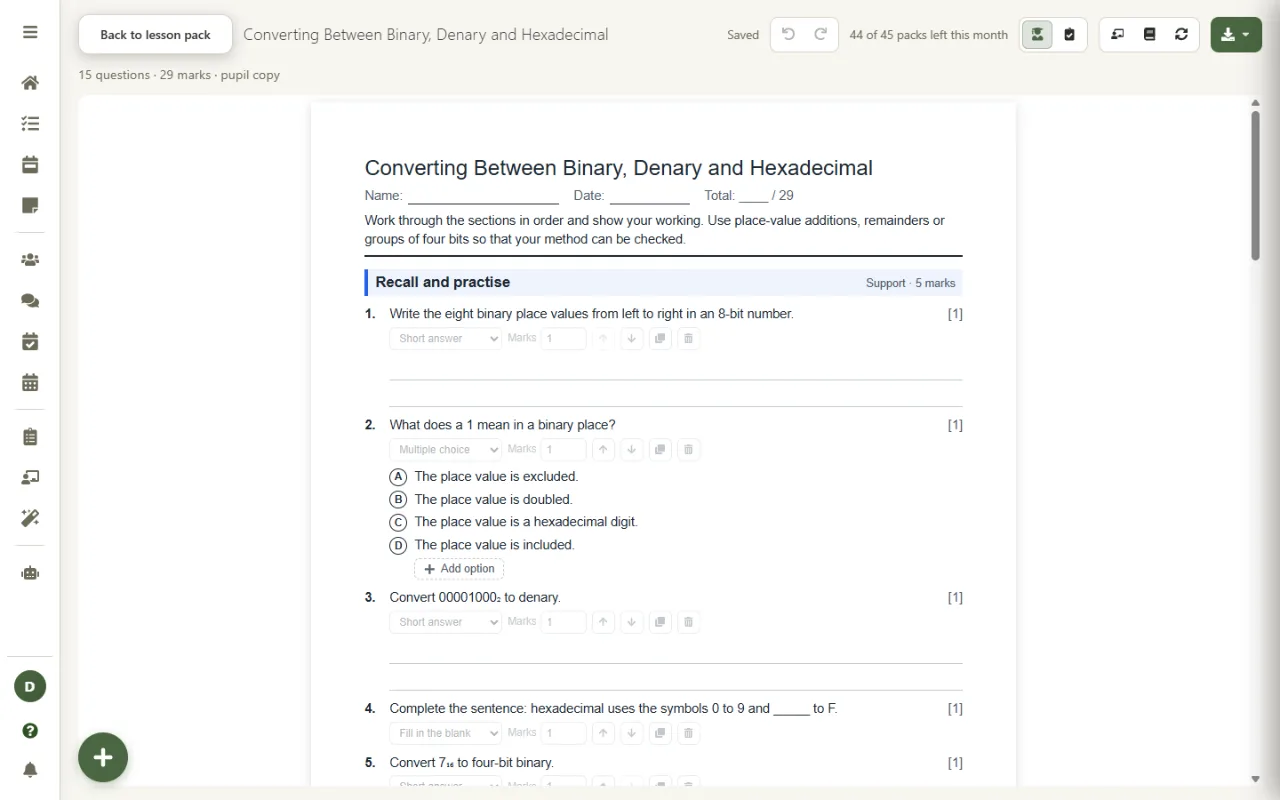
Turn the lesson you have planned into a worksheet in three levels, support, core and stretch, with marks on every question and an answer sheet with marking notes. It is built from your own lesson plan and the specification points it covers, so the questions test what the lesson taught.
Worksheets are part of Lesson Studio on the Super plan, coming soon.
Practice only helps if it practises what was taught.
Most AI worksheet generators take a topic and a year group and hand back a page of questions. They do not know which part of the topic your lesson covered, how your exam board phrases it, or which misconception you spent ten minutes untangling, so the worksheet drifts away from the lesson it is meant to follow.
Lesson Studio's worksheet generator is built from your saved lesson plan, the same plan your slides come from. The questions follow the lesson's objectives, which are written from the points of your own specification, so the worksheet is aligned to what your pupils will be examined on, not to a generic version of the topic.
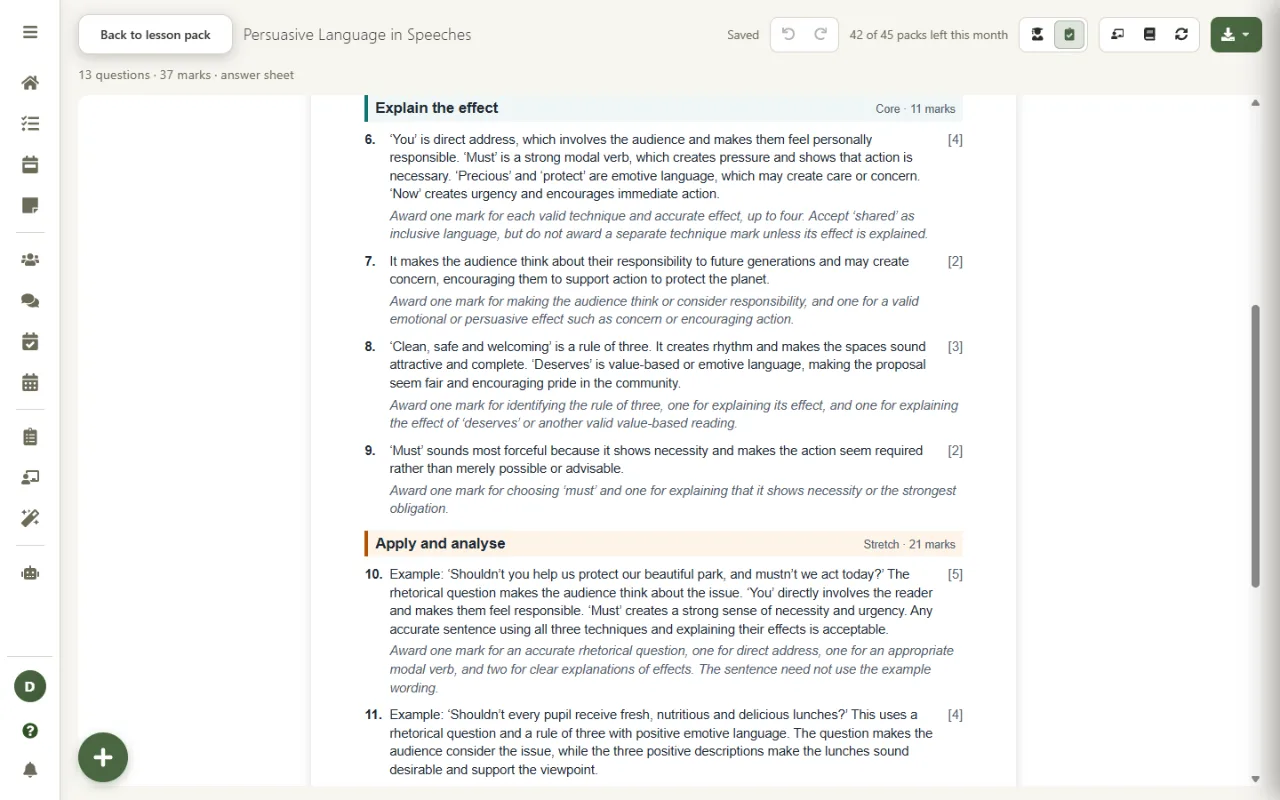
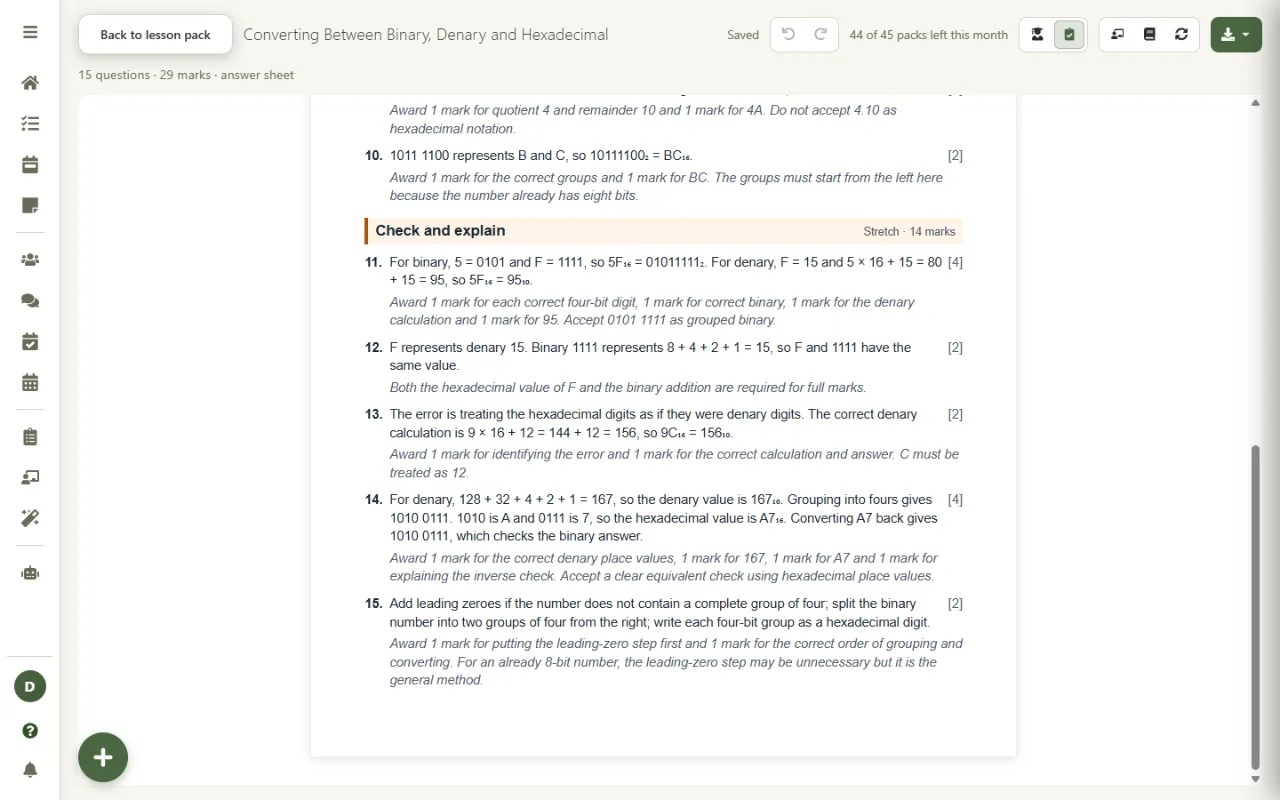
Real worksheets, generated for a Year 10 Computer Science lesson.

Every worksheet climbs in three sections: support to secure the basics, core to apply the methods, and stretch to explain and reason. The whole class works from the same sheet and every pupil has somewhere to start and somewhere to go.

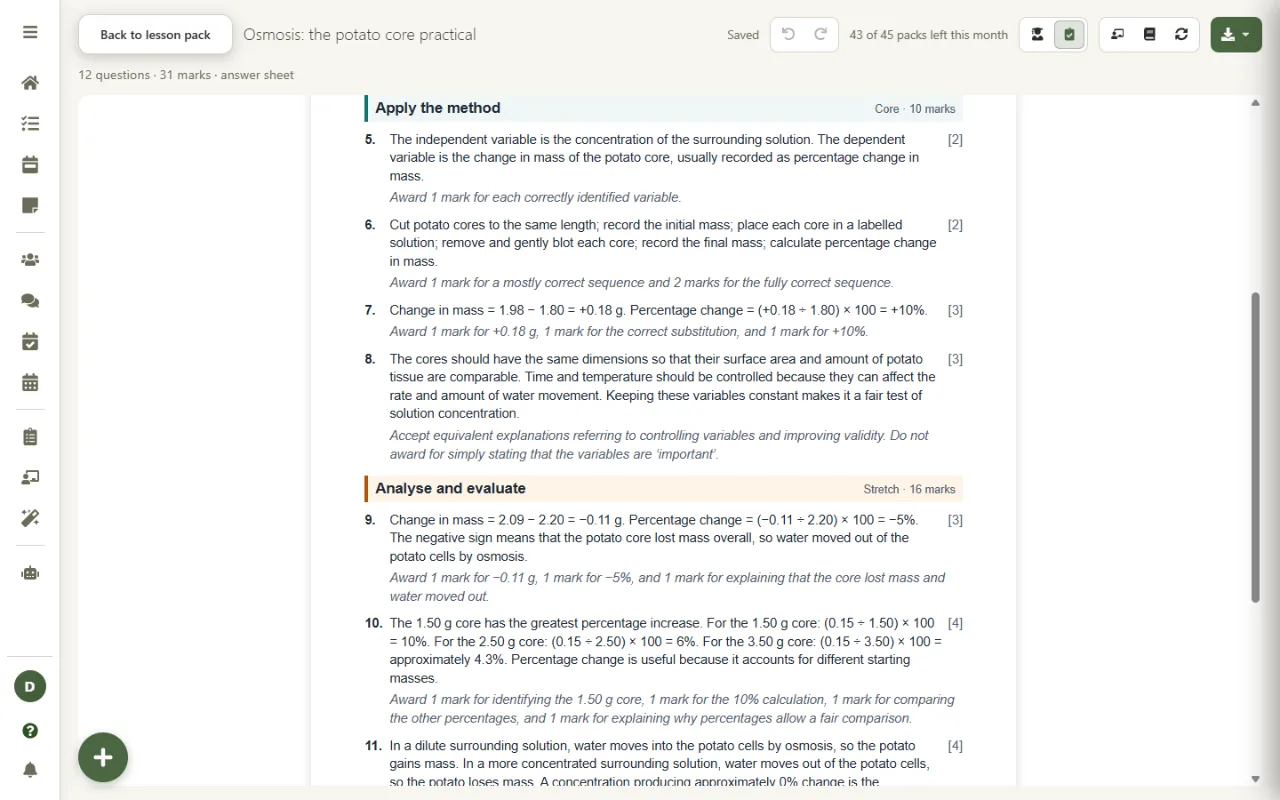
Switch to the answer sheet and every question has its answer and, where it matters, marking notes: what earns each mark and what not to accept. It is clear enough for a cover supervisor, a teaching assistant, or pupils marking their own work.
The worksheet tests the same content the lesson's objectives name.
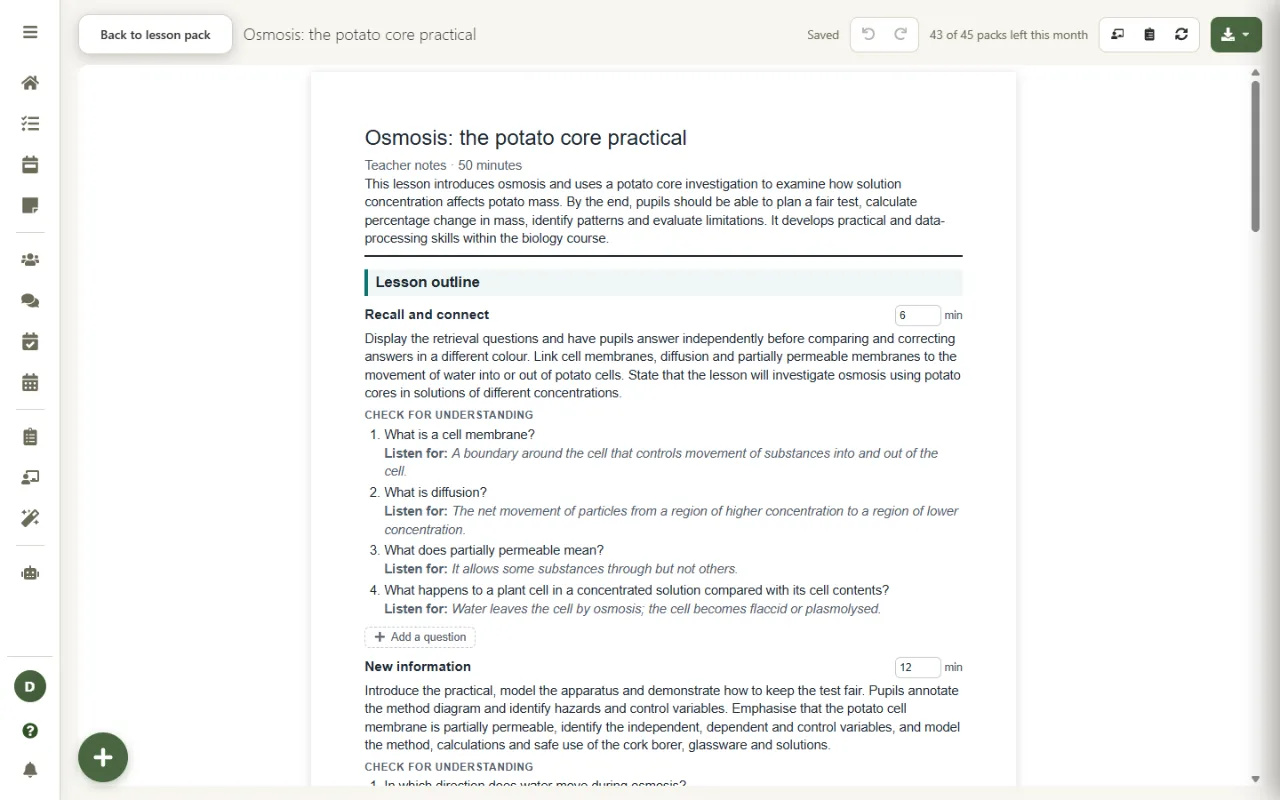
Generated for Biology, English and Computer Science, unedited.
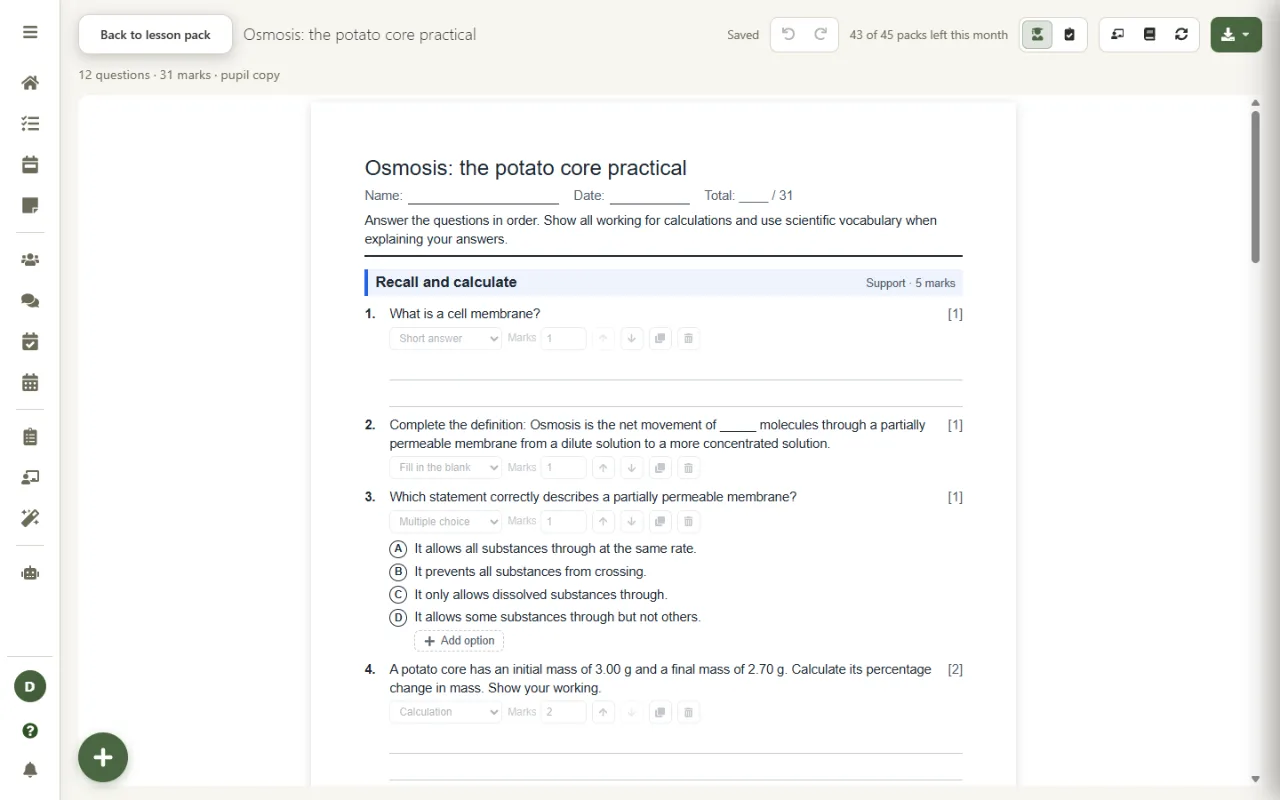
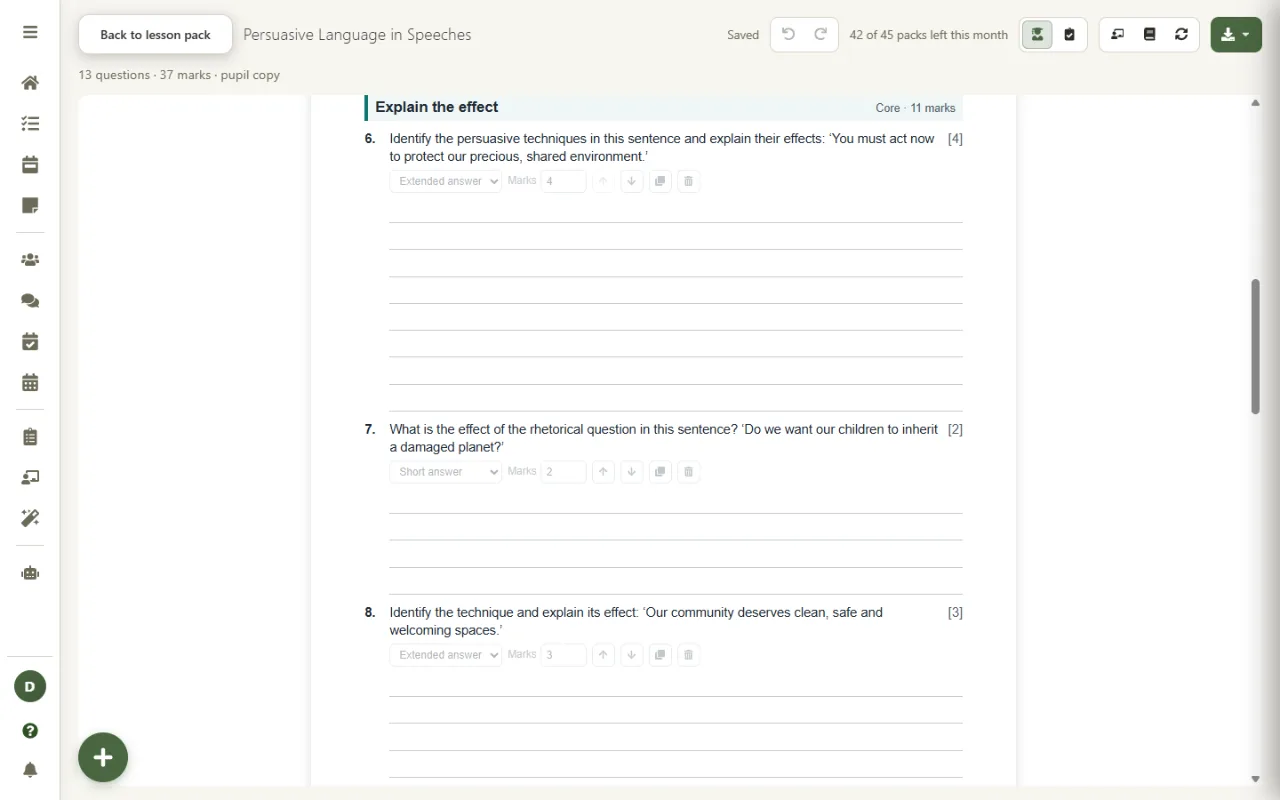
Made in seconds, then yours to shape.
Support, core and stretch sections on one sheet, so differentiation is built in rather than three separate worksheets to make.
A separate answer sheet with every answer and guidance on awarding marks, ready for self-marking, peer marking or cover.
Rewrite any question, change its type or marks, move it, duplicate it, or add a question of your own to any section. Undo is always there.
Download the pupil copy and the answer sheet as Word or OpenDocument files, or save them to OneDrive or Google Drive.
Made from the same plan as the lesson slides, so the board and the sheet practise the same methods.
Set a lesson as cover and the worksheet and its answers go with it. More on the cover work generator.
The worksheet is built from the text of your lesson plan and the specification points you ticked. Pupil names are replaced before anything is sent, and no pupil information is needed to make a worksheet. Worksheets are saved encrypted in your account and your data is never used to train AI models. See exactly what is sent on our AI & Data transparency page.
The rest of Lesson Studio, and the planning it builds on.
The worksheet generator is part of Lesson Studio on the Super plan, coming soon. Start planning on Teacher Task Manager today and your lessons are ready for it.