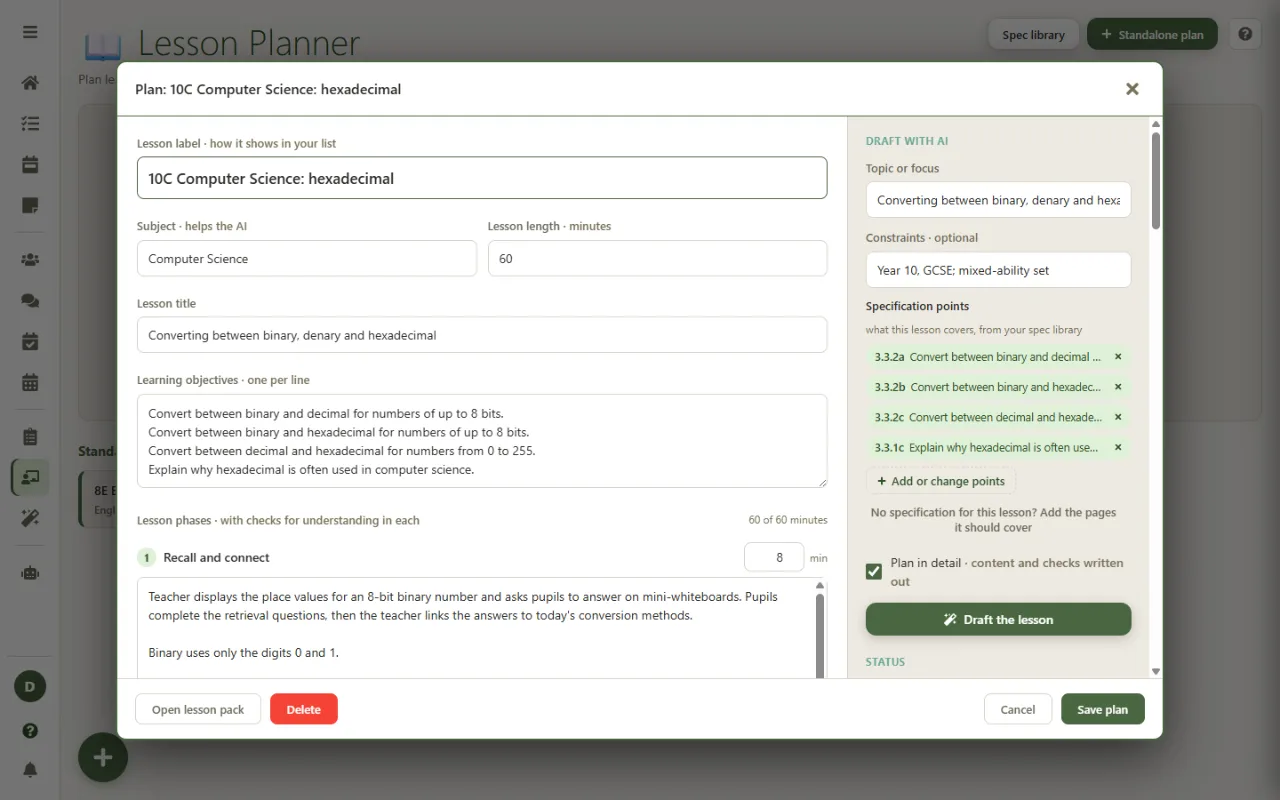
Upload the GCSE or A level specification you teach once. It is split into its numbered points and kept in your private spec library. Tick the points a lesson covers and the plan is written in your exam board's own words, then the slides, worksheet and teacher notes are built to match.
The spec library is part of the Super plan, coming soon.
Your pupils are examined on the specification, word for word.
Every GCSE and A level course is defined by its specification. Exam questions are written to its points, mark schemes use its language, and a lesson that drifts from it is time your class does not get back. Yet most planning tools, AI or not, know nothing about the specification you teach, so checking a lesson against it is left to you, every time.
The spec library puts your specification inside your planning. Once it is uploaded, every lesson can be tagged with the exact points it covers, and the AI drafts the plan from those points rather than from a general idea of the topic. The result is a lesson whose objectives you could put next to the specification and see the same words.
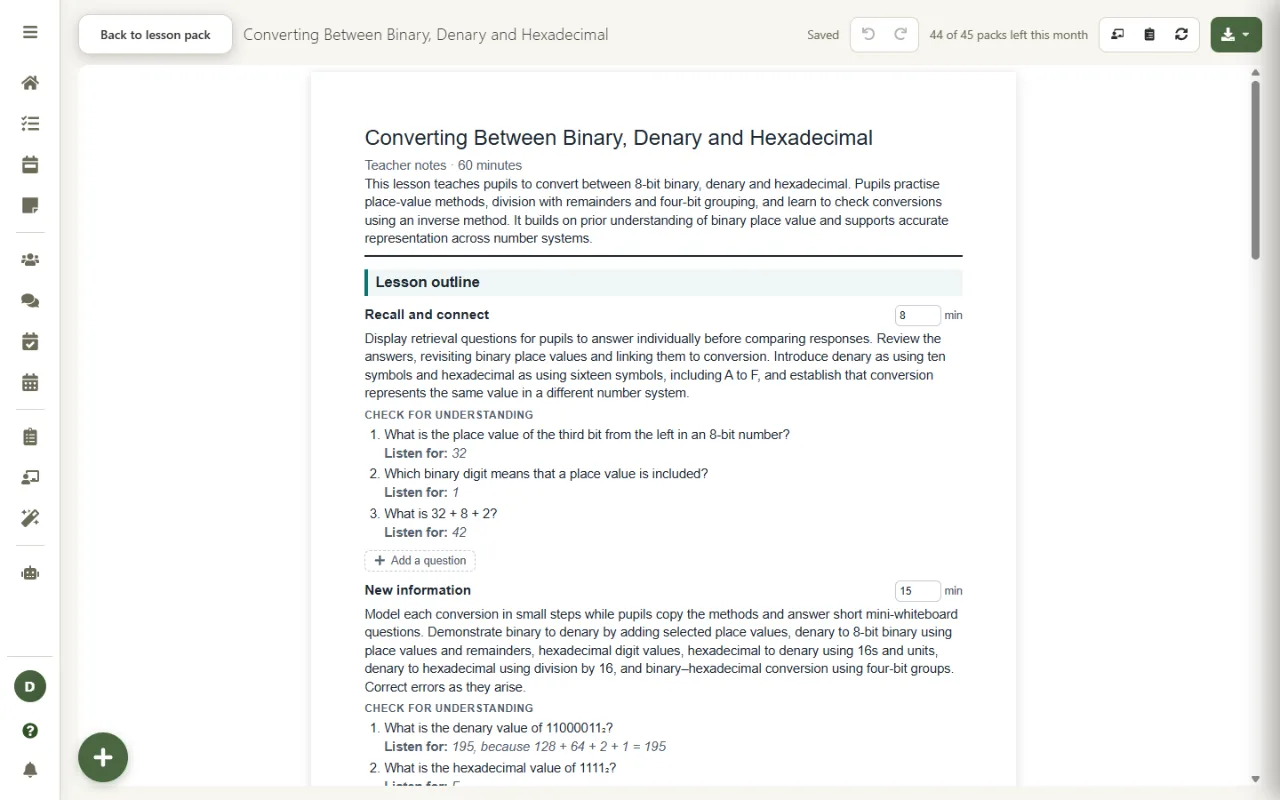
Real screenshots, using a sample Computer Science specification.
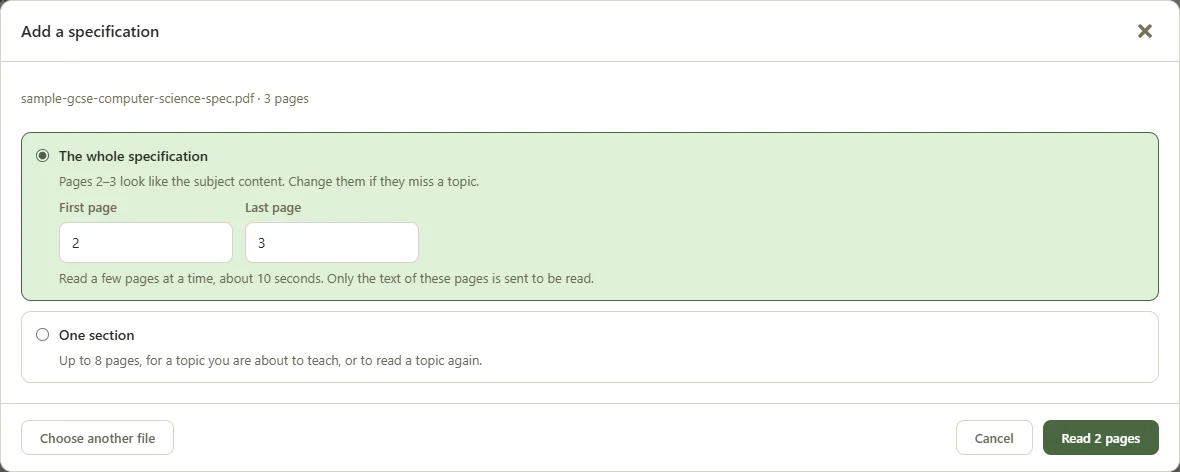
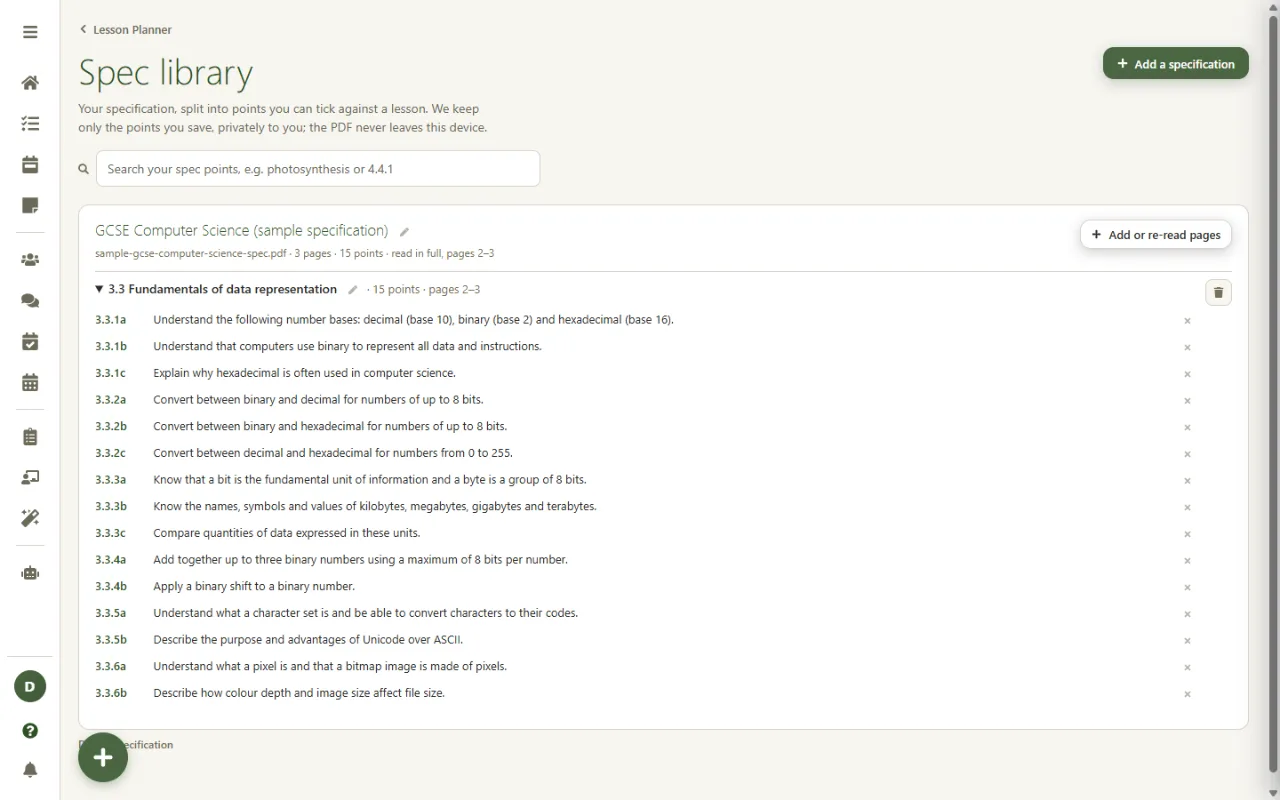
Choose the PDF from your exam board's website. It is read in your browser, never uploaded, and the subject content pages are found for you. Read the whole specification in one go, or just the section you are about to teach.
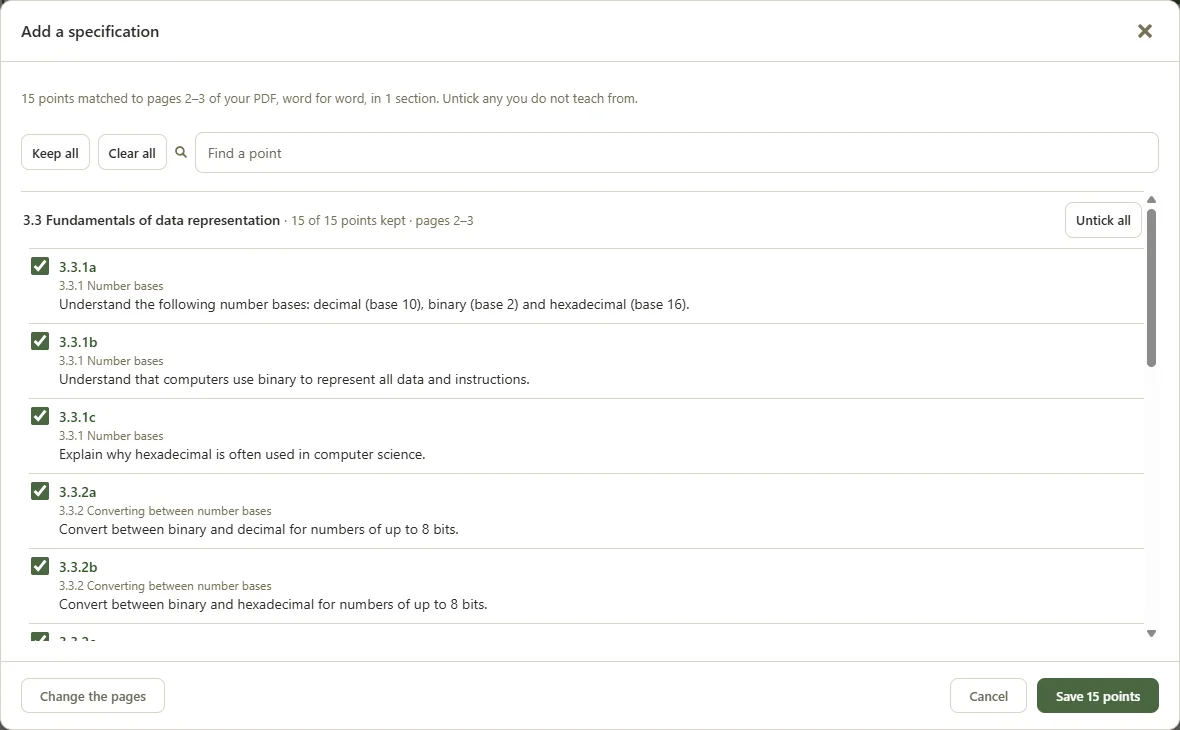
The specification is split into its numbered points, each checked against the text of your PDF so the wording is the board's, not a paraphrase. Untick anything you do not teach from, then save.
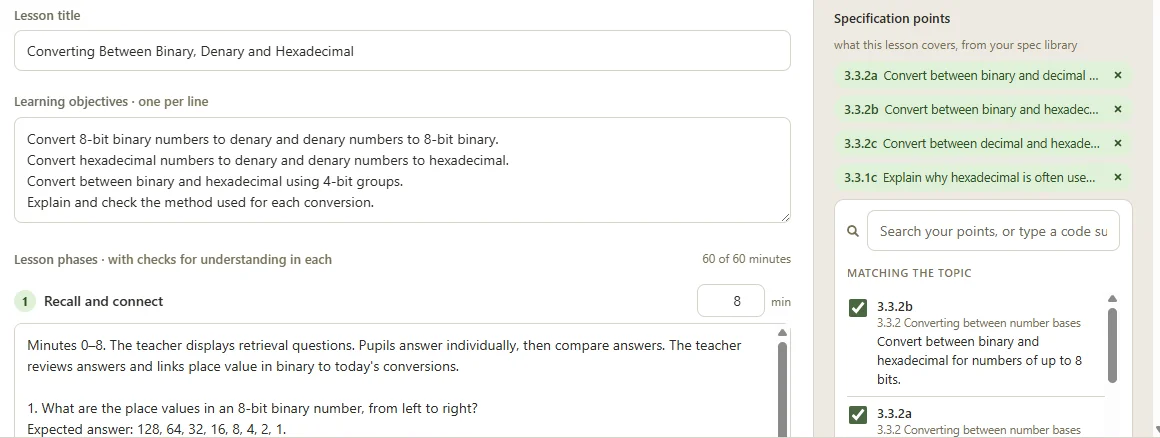
Open a lesson and the points that match its topic are suggested first. Tick them, or search your whole specification by topic or code. The lesson keeps its points, so you can see what it was planned to cover.
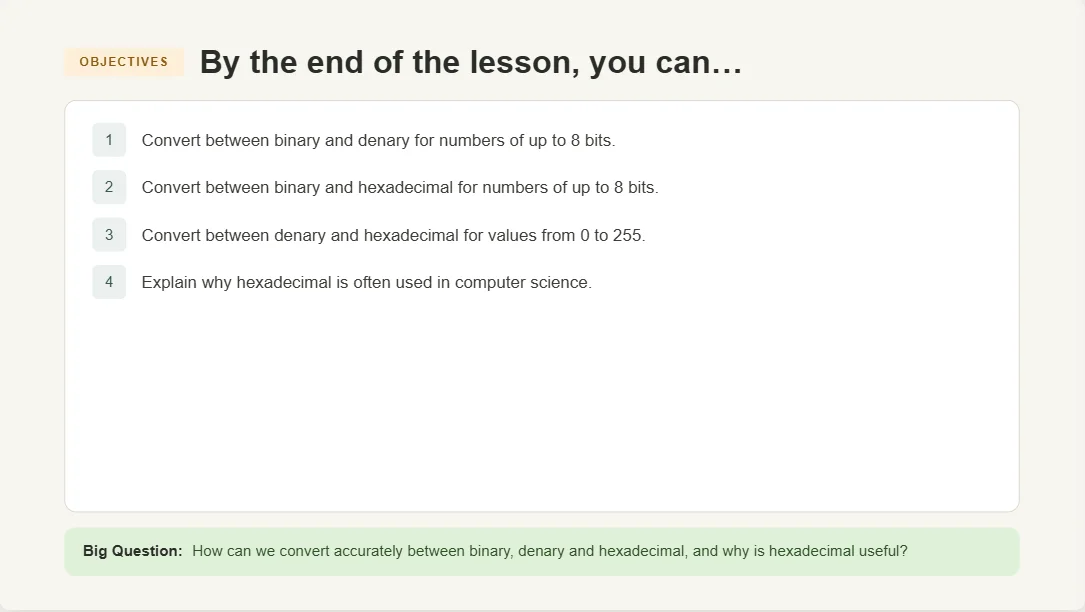
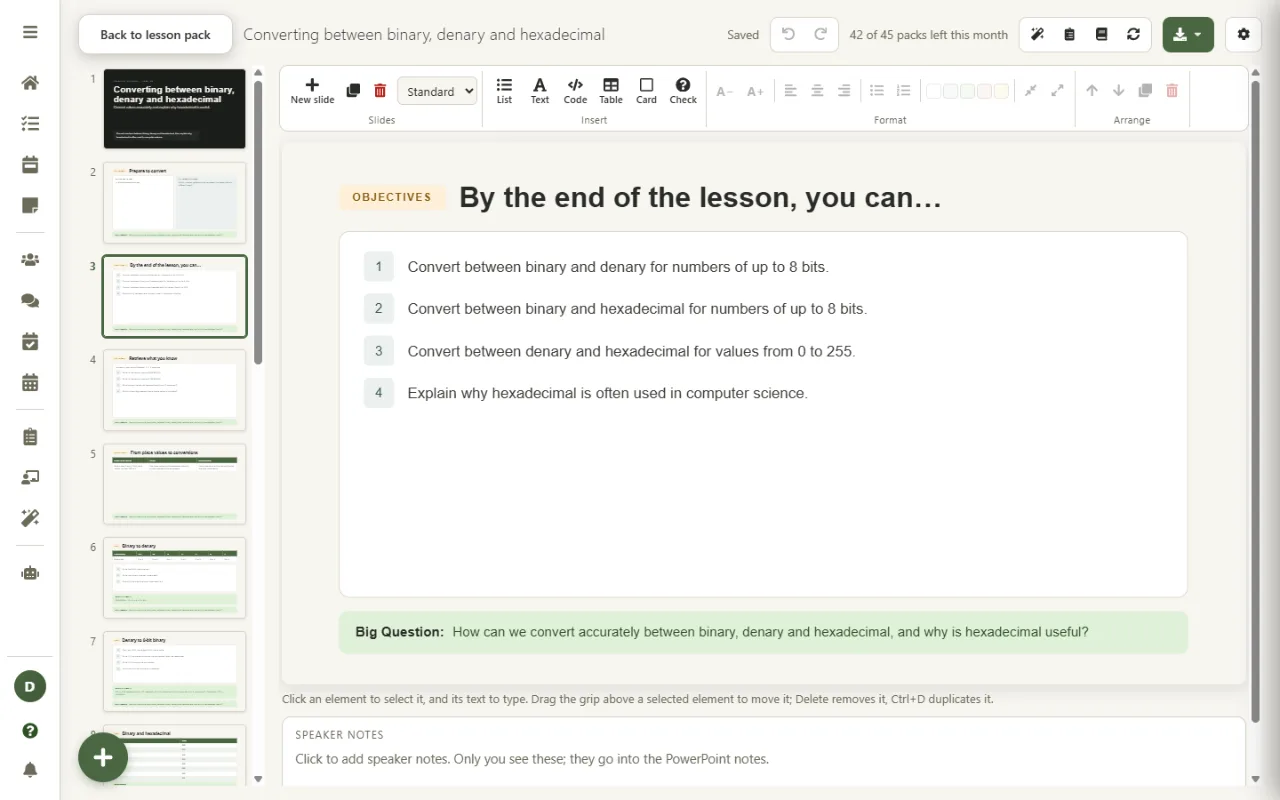
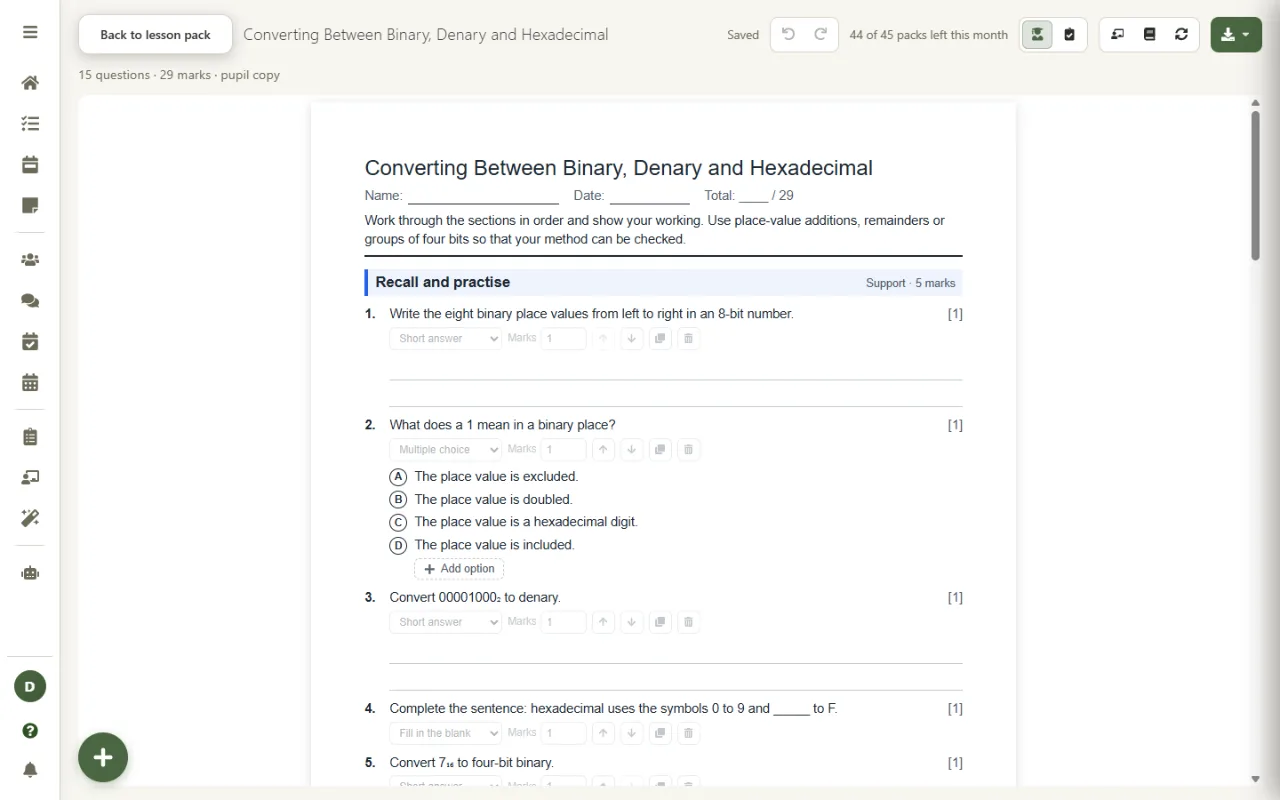
Draft the lesson and its objectives come straight from the points you ticked. Build the lesson pack and the slides, the worksheet and the teacher notes are all made from that plan, so every resource is aligned to the same specification content.
Plainly, so you know what you are getting.
One lesson, followed from the spec library to the classroom.
The PDF is read in your browser and never uploaded. Only the text of the pages you choose is sent to be split into points, and only the points you keep are saved, privately to your account. Your points are for your own planning and are never shared with other users.
When you build a lesson, the points you ticked are sent with the plan so the AI can write to them. Pupil names are replaced before anything is sent, and your data is never used to train AI models. Every detail is on our AI & Data transparency page.
What you can build once a lesson is planned to your specification.
The spec library is part of the Super plan, coming soon. Start planning on Teacher Task Manager today and your lessons are ready for it.